
Appearance
Device profiles
A profile is the type of device. Many devices can share one profile. Change the profile and every device on it follows.
Open Device Profiles.
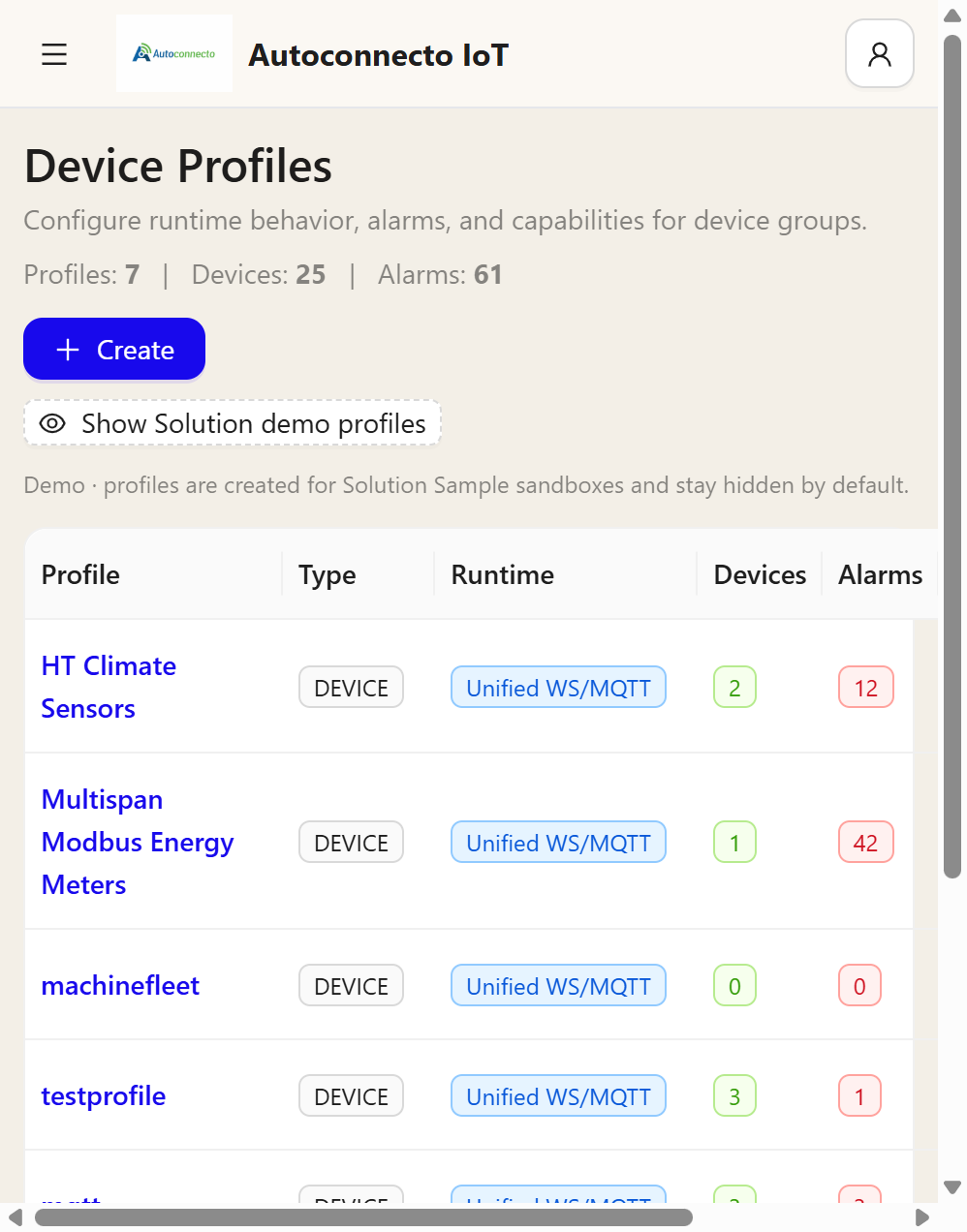
| Column | Meaning |
|---|---|
| Profile | The name. Click it to open the profile |
| Type | DEVICE for a normal device |
| Runtime | How the device connects. Unified WS/MQTT is the usual path |
| Devices | How many devices use this profile |
| Alarms | How many alarm rows those devices have |
Create adds a profile. Show Solution demo profiles shows profiles that exist only for solution samples. Those stay hidden until you turn the switch on.
On the profile
The profile page has the alarm rules, the calculated fields, and the rule engine.
Alarm rules are simple limits on a telemetry key: raise an alarm, and clear it when the reading returns. Those rules run whether or not a rule engine exists. A blank rule engine is valid. Telemetry is still stored, and the profile alarms still run.
Rule engine (graph) is the chain. Open Rule Engines to edit it, then attach that engine on the profile. The engine must be Started. A draft engine on a profile does not run.
If the profile already has an alarm rule for a limit, and the chain also has a Create alarm node for the same limit, you get two alarms. Use the profile rule for the limit the device type always has. Use the chain node for a different condition.
Calculated fields write another telemetry key from the reading, after the chain has passed the reading through. The original key stays.
What the chain is given
By default Message in accepts telemetry only. Tick attributes, alarms, or the other kinds on Message in when the chain should see them. The kinds are listed on Rule engine.